





Description
If you need a stable, familiar PC experience for multiple people, Windows 7 Home is still a practical choice for legacy software, older hardware, and home office setups. This Windows 7 Home Basic 5-user license is designed for households and small teams that want one consistent system across several devices without the learning curve of newer interfaces. Moreover, it’s ideal when you simply need Windows 7 compatibility for older programs and drivers.
Why You Need This Product
Many users still rely on classic Windows features and older applications that run best on Windows 7. Windows 7 Home helps you keep your workflow smooth, especially when upgrading hardware or software is not an option. However, buying separate keys can get expensive; therefore, a 5-user option is a smart way to save.
Use it when you want:
- A familiar Windows environment for everyday tasks
- Support for older printers, scanners, and peripherals
- Better compatibility with legacy apps, POS tools, and offline software
- A cost-effective setup across multiple PCs
Key Features & Benefits
- 5-user license convenience: Activate on multiple devices with one purchase
- Simple, classic interface: Easy navigation and fast learning curve
- Smooth performance on older PCs: Great for lower-spec hardware
- Strong compatibility: Works well with many legacy programs and drivers
- Ideal for home and small office use: Web browsing, documents, and basic productivity
- Digital delivery: No waiting for shipping, so you can install sooner
- Reliable everyday OS: A proven system with a familiar Windows experience
Supported Editions / Versions
This product is intended for:
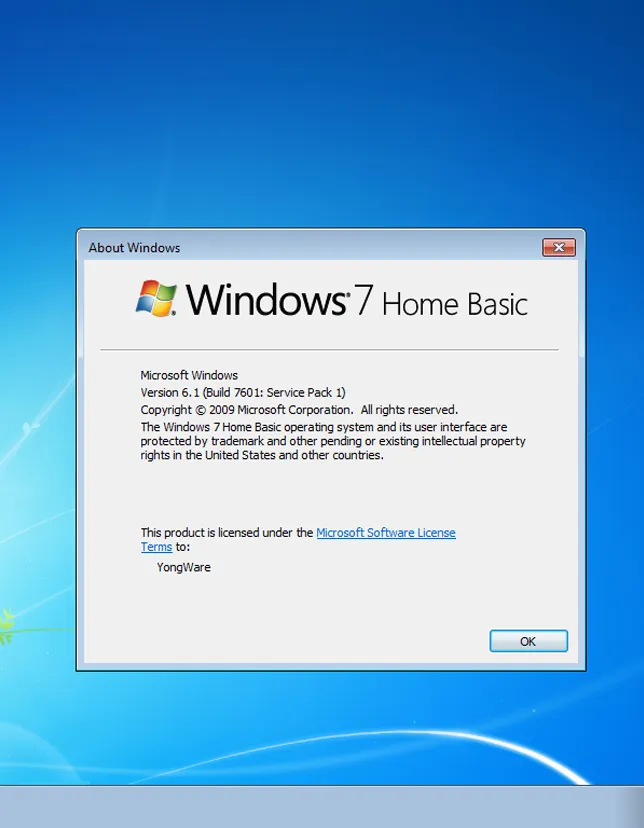
- Windows 7 Home Basic
How to Download
- Prepare a stable internet connection.
- Download the Windows installation file (ISO) from a trusted source.
- Create a bootable USB/DVD using a tool such as Windows USB/DVD Download Tool or Rufus.
For more help and guides, visit: cdkeydeals.
Installation Steps (step-by-step)
- Back up important files (documents, photos, and app installers).
- Insert your bootable USB/DVD.
- Restart the PC and enter Boot Menu/BIOS (often F12, ESC, or DEL).
- Select the USB/DVD as the first boot device.
- Choose language and region, then click Install Now.
- Select Custom (advanced) for a clean install (recommended).
- Pick the drive/partition and continue.
- After installation, set your username, time zone, and network options.
- Once on the desktop, proceed to activation using your digital key.
System Requirements:
Minimum System Requirements
- Processor: 1 GHz or faster (32-bit or 64-bit)
- RAM: 1 GB (32-bit) / 2 GB (64-bit)
- Storage: 16 GB (32-bit) / 20 GB (64-bit) free space
- Graphics: DirectX 9 with WDDM 1.0 driver
- Display: 800×600 or higher
Recommended System Requirements
- Processor: Dual-core 2.0 GHz or better
- RAM: 4 GB+
- Storage: 40 GB+ free space (SSD recommended)
- Graphics: DirectX 9+ compatible
- Internet: For downloads and activation steps
Compatibility & Hardware Support
Windows 7 Home is well-known for running smoothly on many older laptops and desktops. Moreover, it often supports legacy devices that newer systems may not. That said, always check:
- 32-bit vs 64-bit driver availability
- Printer/scanner drivers from the manufacturer
- BIOS settings (UEFI vs Legacy/CSM) on newer machines
How to Buy
To purchase Windows 7 Home Basic 5-user, order securely on cdkeydeals.com. The checkout process is quick and straightforward, and you receive a digital key for fast setup. For related options, you can also browse software categories here:
Payment Methods:
- PayPal
- Credit/Debit Cards
- Google Pay
- Amazon Pay
- Alipay
- Afterpay
- Klarna
- Bank Transfer
- Cryptocurrency
Delivery Method:
- Instant delivery via Thank You page
- Instant delivery via Email
Activation Process:
License Type: Digital Key
This product includes a digital activation key for Windows 7 Home Basic.
Step-by-step activation guide
- Click Start → right-click Computer → select Properties.
- Scroll to Windows activation.
- Click Change product key.
- Enter your digital key and click Next.
- Follow the prompts to complete activation.
- Restart your PC if asked.
Security & Updates Information
Windows 7 is a legacy operating system. While Windows 7 Home remains useful for compatibility, it may not receive the same security updates as newer Windows versions. Therefore:
- Use a trusted antivirus solution.
- Avoid risky downloads and unknown USB devices.
- Use a modern browser where possible.
- Consider running Windows 7 for offline or legacy tasks when appropriate.
Frequently Asked Questions
1) Is this Windows 7 Home product good for multiple computers?
Yes. This is a 5-user option, designed to cover multiple devices under one purchase.
2) Will Windows 7 Home run on an older laptop?
In many cases, yes. Windows 7 Home is known for working well on older hardware, especially with enough RAM and storage.
3) Do I get a physical DVD?
No. Delivery is digital. You’ll receive the key instantly and can use an ISO to install.
4) How fast is delivery from cdkeydeals.com?
Delivery is typically instant via the Thank You page and also sent by email.
5) Can I reinstall Windows 7 Home later?
You can reinstall if needed. Keep your key stored safely and follow the activation steps again after reinstalling.
6) What if activation doesn’t work the first time?
Double-check the edition (Home Basic), confirm typing accuracy, and ensure you’re connected to the internet. If needed, contact support.
7) Is this suitable for gaming?
Windows 7 Home can run many older games well. However, newer titles may require newer Windows versions and drivers.
8) Does it support 64-bit?
Windows 7 supports both 32-bit and 64-bit installs, depending on the ISO you use and your CPU capability.