





Description
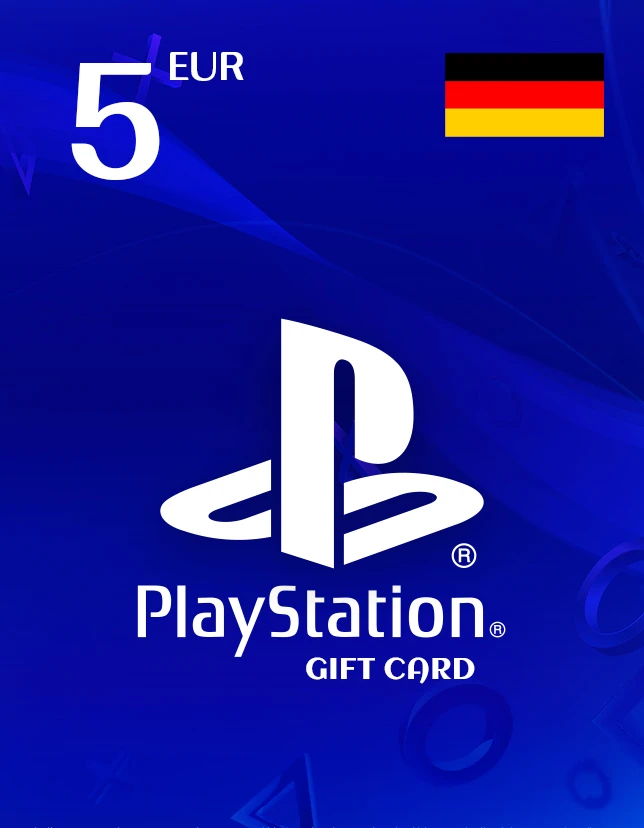
The PlayStation Gift Card 5 EUR GERMANY is a fast, secure way to add funds to your German PlayStation Network wallet. Use it to buy games, DLC, in-game currency, movies, and more on the PlayStation Store without needing to share card details on your console. This PlayStation Gift Card is ideal for topping up small amounts, gifting to friends or family, or keeping your PSN wallet ready for discounts and seasonal sales.
Whether you’re on PS5, PS4, or using the PlayStation Store on web/mobile, this PlayStation Gift Card gives you flexibility and instant access to digital content in minutes.
Key Benefits of PlayStation Gift Card
- Instant wallet top-up: Add 5 to your PSN balance quickly
- Perfect for gifting: Simple digital present for any PlayStation fan
- No subscription required: Use funds on any eligible store content
- Safer checkout: Redeem credit instead of entering card details on the console
- Works across PlayStation platforms tied to the same PSN account
Best Features of PlayStation Gift Card
- Digital Key delivery (no shipping, no waiting)
- Official PS Store redemption format
- Budget-friendly denomination for small purchases and add-ons
- Great for sales: combine with existing wallet funds to reach a deal price
What’s New in PlayStation Gift Card 5 EUR GERMANY
This edition is optimized for quick redemption and smooth use on the German PlayStation Store, making it a convenient low-value top-up for add-ons, in-game items, and discounts.
Why You Need It
If you want quick purchases, a small top-up for a specific item, or a simple gift, the PlayStation Gift Card is one of the easiest options. It’s also helpful for users who prefer alternative payment methods or want better control over spending.
How Is the Value Supported / Supported Editions
- Value: 5 (EUR) wallet credit
- Region: Germany (DE)
- Supported platforms: PS5, PS4, PS App, PS Store web
- Account requirement: Must be redeemed on a German PSN account
How to Download
- Purchase the product.
- Receive your digital code on the thank-you page and via email.
- Redeem on the PlayStation Store to add funds.
- Installation Steps (Redeem Steps)
On PS5/PS4:
- Open PlayStation Store
- Scroll to Redeem Codes
- Enter the 12-digit code
- Confirm to add funds to your wallet
On Web/App:
- Sign in to your PSN account
- Go to Redeem Code
- Enter the code and confirm
- System Requirements
- Minimum System Requirements
- PlayStation Network account (Germany region)
Internet connection
PS5/PS4 console or web/app access to PS Store
Recommended System Requirements
- Updated system software
- Stable broadband connection for smooth store access/downloads
- Compatibility & Hardware Support
- Compatible with PS5 and PS4
- Works with the PlayStation App and PS Store website
- Content availability depends on the store region and product restrictions
How to Buy (from cdkeydeals.com)
- Visit cdkeydeals.com
- Search: PlayStation Gift Card 5 EUR – GERMANY
- Add to cart and proceed to checkout
- Pay and receive your code instantly
Payment Methods
- PayPal
- Credit/Debit Cards (all major types)
- Google Pay
- Amazon Pay
- Alipay
- Afterpay
- Klarna
- Bank Transfer
- Cryptocurrency
How to Get Delivery
- Live delivery on the thank you page
- Instant delivery by email (digital code)
Activation Process
- Redeem the code on your German PSN account via PlayStation Store.
- License Type
- Digital Key (single-use redemption code)
Security & Updates
- Codes are delivered securely and should be kept private.
- Wallet funds don’t require updates; purchased games/apps update through PlayStation as usual.
Frequently Asked Questions (FAQs)
Can I redeem this code on a non-German PSN account?
No. It’s region-locked and requires a German (DE) PSN account.
Is this a physical card shipped to my address?
No. This is a digital code delivered on-screen and via email.
How long does delivery take?
Typically, instant after successful payment.
What can I buy with the 5 balance?
Games, DLC, in-game currency, themes, and other eligible PlayStation Store items (availability may vary).
What if my code doesn’t work?
Double-check the region/account, re-enter the code carefully, and contact the seller’s support with your order details.