





Description
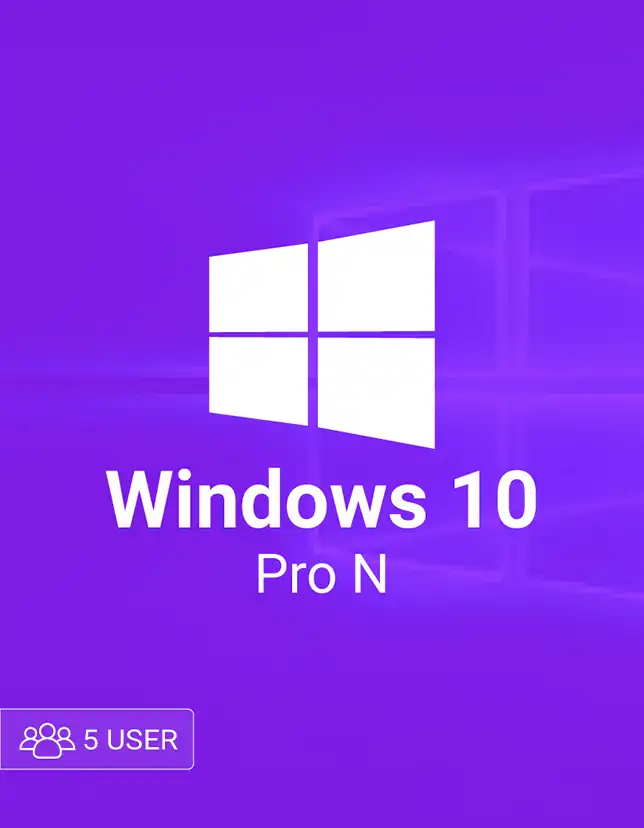
Windows 10 Pro N 5 is a practical licensing option for small teams that need the productivity and control of Windows Pro across up to five PCs. It’s ideal for offices, remote workers, and families who want the same secure, consistent Windows experience on multiple devices—without buying separate keys one by one. With a Windows 10 Pro N 5 user setup, you get professional features while keeping deployment simple.
Key Benefits of Windows 10 Pro N 5
- Set up and manage multiple PCs with one purchase using Windows 10 Pro N 5 user.
- Great fit for small businesses that need Pro tools like domain access and policies
- Reliable everyday performance for work apps, browsers, and productivity
- A cost-friendly way to license multiple devices compared to individual keys
- Clean Windows “N” edition for users who prefer fewer preinstalled media components
Best Features of Windows 10 Pro N 5
- Business-ready management: Join a domain and use group policies for smoother control.
- Remote Desktop support: Access your PC remotely when you’re away (host capability).
- BitLocker device encryption: Add an extra layer of data protection for sensitive files.
- Microsoft Store & app compatibility: Run common business and productivity apps easily.
- Multi-device coverage: One Windows 10 Pro N 5 user license plan helps you standardize up to five machines.
What’s New in Windows 10 Pro N 5 for users
This license supports the latest Windows 10 Pro N builds, including ongoing stability improvements, security patches, and driver compatibility updates delivered through Windows Update. You also benefit from continued refinements to sign-in protection, networking reliability, and system performance.
Supported Editions
- Windows 10 Home
- Windows 10 Pro
- Windows 10 Enterprise
- Windows 10 Pro N
How to Download (Official)
- Go to Microsoft’s official Windows download page.
- Choose Windows 10 and select the Media Creation Tool.
- Create installation media (USB) or download an ISO.
- Select the correct edition (Pro N) during setup if prompted.
Installation Steps
- Backup important files.
- Insert the USB (or mount the ISO) and run Setup.
- Choose language, time, and keyboard settings.
- Select Custom (clean install) or Upgrade.
- Finish setup, connect to the internet, and sign in.
Minimum System Requirements
- CPU: 1 GHz or faster
- RAM: 1 GB (32-bit) / 2 GB (64-bit)
- Storage: 16 GB (32-bit) / 20 GB (64-bit)
- Graphics: DirectX 9 with WDDM driver
- Display: 800×600
Recommended System Requirements
- CPU: 2+ GHz dual-core
- RAM: 8 GB
- Storage: 60+ GB SSD
- Graphics: DirectX 12-capable GPU
- Display: 1080p
Compatibility & Hardware Support
Windows 10 Pro N 5 works well on most laptops and desktops from major brands (Dell, HP, Lenovo, ASUS, Acer) and custom-built PCs. It supports common peripherals like printers, webcams, and Bluetooth headsets, with drivers typically delivered via Windows Update or the manufacturer.
How to Buy
To get the best value, compare current prices and deals on cdkeydeals.com before purchasing Windows 10 Pro N 5 user.
Payment Methods
Pay with PayPal, all major credit/debit cards, Google Pay, Amazon Pay, Alipay, Afterpay, Klarna, bank transfer, and cryptocurrency.
How to Get Delivery
You’ll receive live delivery on the Thank You page right after checkout, plus instant email delivery for your records.
Activation Process (Digital Key)
- Open Settings > Update & Security > Activation.
- Click Change product key.
- Enter your Digital Key and confirm.
- Restart if prompted. Repeat on each licensed device (up to 5).
Security & Updates
Windows Update helps keep your system protected with regular security fixes, Defender updates, and reliability improvements, so your Windows 10 Pro N 5 user devices stay safer over time.
Frequently Asked Questions (5)
1) What does “N” mean in Windows 10 Pro N?
It’s a Windows edition for certain regions that ships without some media-related components.
It’s a Windows edition for certain regions that ships without some media-related components.
2) Can I use Windows 10 Pro N 5 on five different PCs?
Yes, it’s designed to cover up to five users/devices, depending on the license terms provided with the key.
Yes, it’s designed to cover up to five users/devices, depending on the license terms provided with the key.
3) Is this a digital delivery product?
Yes. You receive a digital key with no physical shipment.
Yes. You receive a digital key with no physical shipment.
4) Do I need the internet to activate?
The Internet is recommended for the quickest activation and update checks.
The Internet is recommended for the quickest activation and update checks.
5) Where can I download Windows 10 safely?
Use Microsoft’s official Windows download page and tools to avoid unsafe files.
Use Microsoft’s official Windows download page and tools to avoid unsafe files.